 Monsoon Season Sale
Grab the Offer!
Monsoon Season Sale
Grab the Offer!
Monsoon Season Sale
Grab the Offer!
Monsoon Season Sale
Grab the Offer!


4.6 Ratings

4.5 Ratings

4.5 Ratings
4.6 Ratings
4.5 Ratings
4.5 Ratings
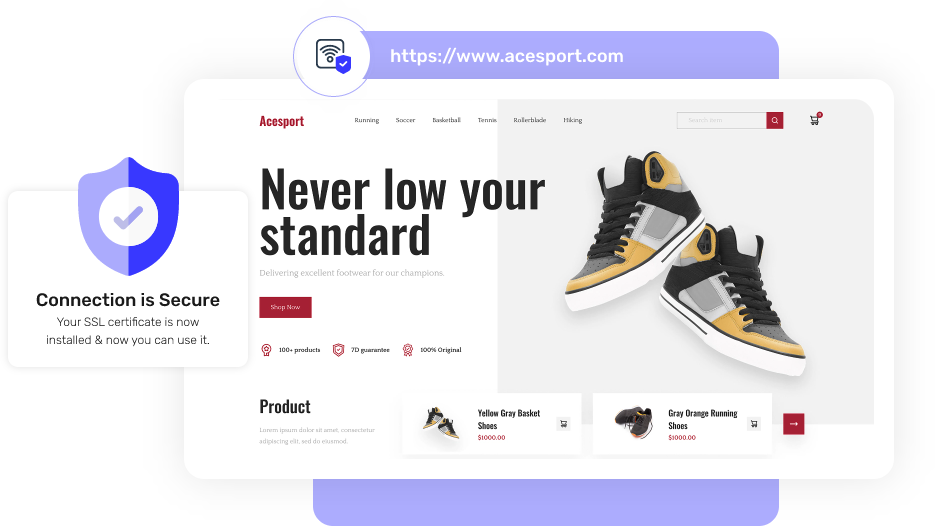
Secure websites earn more love from search engines.
Safeguard your data with 2048-bit SHA-2 encryption.
That padlock shows visitors that they’re in secure hands.
Helpful humans are ready 24/7 to guide you through.
Not satisfied? Get a full refund if it’s not the right fit.
Because trust is non-negotiable!
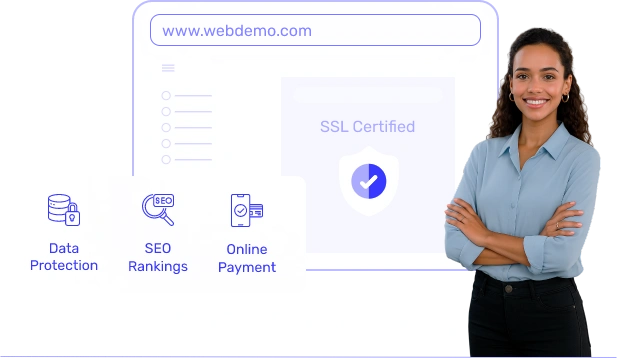
SSL encrypts sensitive information, such as passwords and payment details, making it private and secure from hackers.
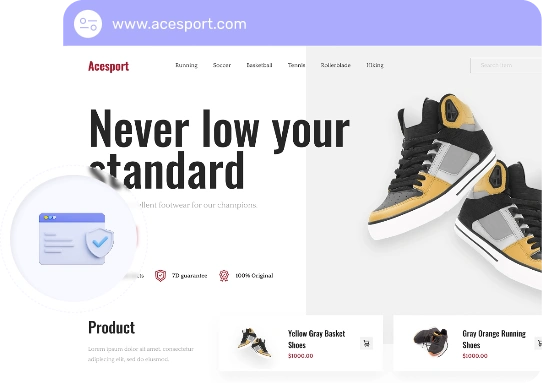
Think of it as a digital handshake that builds instant trust.
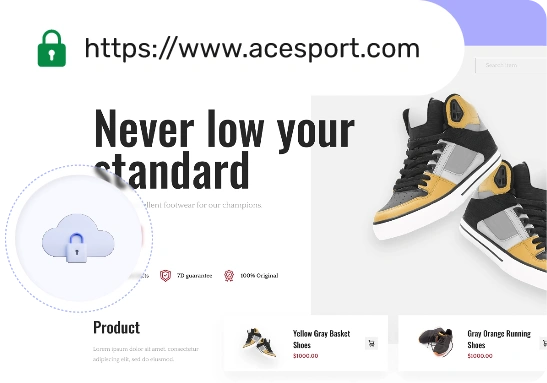
That tiny lock builds big trust with your visitors.
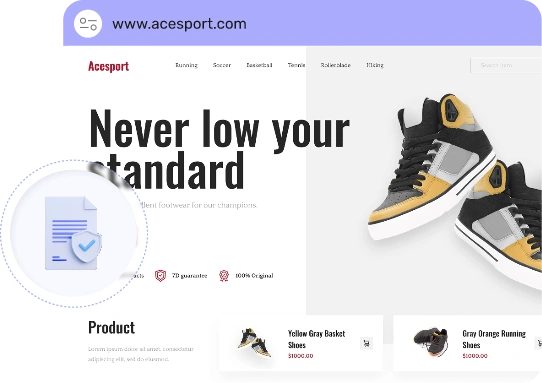
Safety lock that keeps your customers’ data secure.
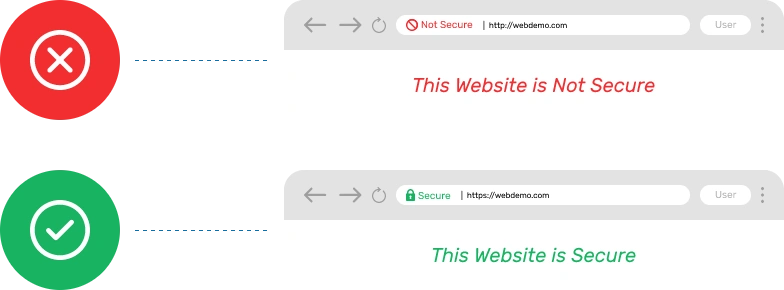
See the difference: One builds trust, the other loses it.
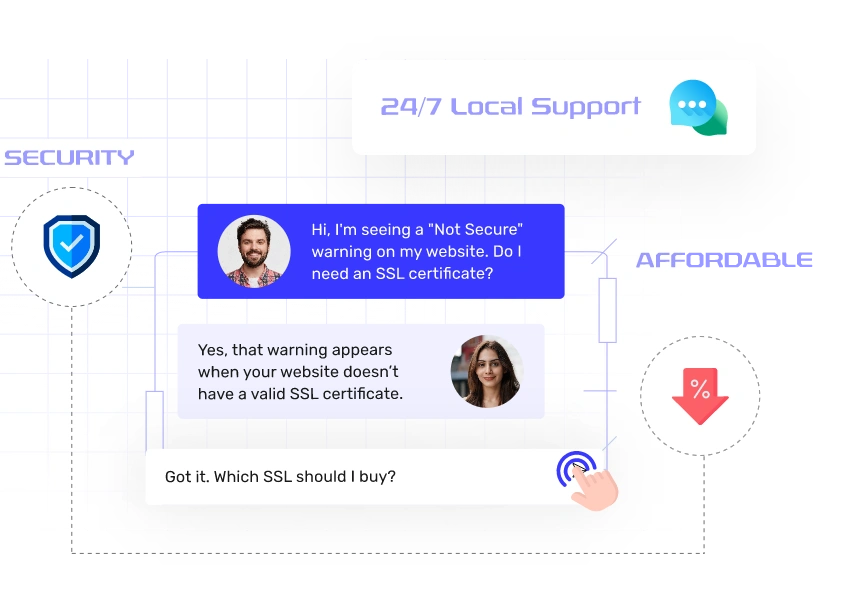

Protection with industry-standard encryption.

Enjoy premium security at a budget-friendly price.

Always On, Always Secure, Always Available.
Real experiences from real users who trusted us with their online projects!
We have experienced exceptional server support and performance with this service. The team is highly responsive, professional, and always available to address any concerns or issues we encounter. Overall, we are highly satisfied with both the support and the server's performance.

I've been using Host IT Smart for over 2 years now, and I couldn't be happier! The server performance is fantastic, with almost no downtime, and the loading speeds are incredible. But what stands out the most is their customer support. Anytime I’ve had an issue, their team has been quick to respond and extremely helpful. Highly recommend it for anyone looking for reliable and top-notch hosting!
Host IT Smart has proven to be a trustworthy and reliable provider of server solutions. Their exceptional customer service, top-notch products, and commitment to transparency make them stand out in the industry. If you're in search of a server provider that delivers on its promises, I wholeheartedly recommend giving Host IT Smart a try. They have certainly earned my trust and gratitude for their outstanding service.
Excellent Fast Service... I have been using the services of Host IT Smart since 2020 & Satisfied with their products and customer services. Their staff are very co-operative and Quickly Resolve the problems that we face. They have an expertise team which provides quick solutions so that businesses can focus on their core work. Thanks a Lot to Host IT Smart Team.
I have been working with Host IT Smart to build a new website for my business. Their team was professional, knowledgeable, and always available to answer any questions I had. They listened to my needs and delivered the perfect hosting plan for my needs that perfectly captures my brand's vision. I highly recommend this company to anyone looking for a top-notch Hosting experience.
Considering hosting services, Host IT Smart stands out with its excellent quality, competitive pricing, and reliable support. When compared to Big Rock, Host IT Smart consistently delivers top-notch service at the best prices. Experience unmatched hosting with Host IT Smart for a seamless and cost-effective online presence.
I have been using the services of Host IT Smart since 2019 and am pleased with their products and customer services. Their staff are very cooperative and quickly take actions to the problems that we face. They have an expertise team which provides quick solutions so that businesses can focus on their core work.
I have been using Host IT Smart for almost a year now, and there is only one sentence to say "THE BEST HOSTING COMPANY EVER." The support and service are BEYOND EXCELLENT. I want to say especially thanks to Jay, who gave me support too quick and was very helpful on my requirements.
I highly recommend the Host IT Smart company and all the personnel I am working without any exceptions. They are advanced professionals with proper attitude and always working to solve our technical issues. One of their hidden qualities is the ability to listen and to dive deeper until the problem is solved!!!
We have been using Host IT Smart for almost more than 3 years now, and we must say, it is best, cheapest & most supportive hosting provider! They are flexible, reachable & technical sound team who is always keen to support us technically! Special thanks to Vineesh & Jessil sir, for the continuous support & excellent relation-building!
One of the best and cheap hosting in India, I have been using their services for the last 5 years and have never faced any problem. If you need a hosting solution, HOSTITSMART is the best in their services. Their support team is awesome. They will help in going far better in their fields, and all are very supportive. Thanks, Host IT Smart Team. You guys rock!
I was searching for a good company for my domain name and Java web hosting after my previous company got bankrupt. Luckily I found Host IT Smart. And all the things have again came at their right places at a very good price. Thanks, Host IT Smart Team & Jackob Sir.
Exceptional help center! Quick and effective solutions provided with a friendly and knowledgeable team. They made my experience smooth and hassle-free. Definitely my go-to for assistance.
One of the best service providers. Extremely satisfied with their customer service and cost effectiveness. Using their services for quite a long and have never faced any delays in taking action against issues. Thanks much!!
I have been using their services quite a lot for the last 6 months. I like the ease of use they provided while working with VPS. Also, In case of any issues, the resolution is quite fast.
Very cooperative and very helpful person is Your employee, Mr. Mohan. He always behaves very nicely and is well-mannered. Solves all my problems quickly and has a good rapport with customers. He is also a technically sound person.
Dealing with Happy Service’s customer support was a breeze. They were courteous, quick to respond, and resolved my issue efficiently, leaving me with a positive impression of their commitment to customer satisfaction.
The host Support team is easy to reach. Appreciate their efficiency of reaching out to them within seconds. Keep it up, guys. Mohsin was a smart guy to provide resolutions quickly.
I have been using servers from Host IT Smart since the last 3 years and I recommend the service of Host IT Smart. They were quick to respond to any queries or concerns. Service and support are awesome!!
Jay Vagadiya was very helpful and quickly resolved one of the issues faced.. We have made the right moving to hostitsmart. Helpdesk, Sales and technical support teams are very easy to approach for help when needed.
I am very happy to be a customer of host it smart from a reputed company. Especially the immediate service was made available. We hope to continue to provide the same service....Ramdas Tambe Reporter today news channel.
I've had a great experience with this hosting company! Their service is fast, reliable, and affordable. My website runs smoothly with zero downtime, and their customer support is always quick to help and very professional. Highly recommended for anyone looking for a solid hosting provider!
I purchased a VPS server there. Everything seems fine so far. After the purchase, there were some errors with the VPS, but they fixed them. They even assisted me via call and AnyDesk. I really love their support.
Great Service!! I've been using a Hosting service from Host IT Smart from the last few years. They provide a great service. You can reach them anytime for help or with queries. Their service is recommended. I didn't face any major issues while using their hosting plan. Everything works smoothly. Great service.
I have purchased a dedicated server of 32 GB RAM. And I am very much satisfied with the service. Mr Jay is very helpful and supportive. I recommend to all of you who are willing to buy their service.
I have been a customer of hostitsmart for quite some time. I appreciate the the 24x7 support of the hostitsmart team. The support conversations are helpful and provide resolutions to the problem being discussed. The helpful hands even go beyond the boundaries of time zones, as I have talked to them from Europe, and they were available and ready to help. The online chat replies are also very prompt.
The services provided by HostIt Smart is really great! The best part is their customer support. Instant help via chat or call, quick response to support tickets! Really great service!
One of the best vps hosting in the market. I like customer support team to resolve everything ❤️
I purchased a VPS here, and compared to others, the price is competitive, and the performance of the VPS is also good. In the beginning, I had a few doubts about whether I can go for it or not, and regarding the performance, it'll match what I actually want, a production level ready to use platform to be hosted here. But the platform turned out to be good, and even the support was nice, and they contacted me in time to solve the issue I was facing during initial setup.
Good service, I like their professionalism and service-oriented nature. The support team has a good spine and they will go way above and beyond their normal limits to resolve your issues. It's been 5 years I'm with them and overall, I'm happy.
Forex VPS server, and the performance is truly impressive. The uptime is excellent, latency is low, and the support team is always quick to respond. Perfect for smooth and reliable Forex trading.
I recently started using the Host IT Smart Forex VPS for my trading activities, and I’m genuinely impressed so far. As someone who needs reliable speed and stability for platforms like MetaTrader 4/5, performance is my top priority — and this VPS has delivered exactly that.
SWEAD-NGO India is very satisfied with Host IT Smart’s reliable hosting services and excellent customer support. Their team responds quickly and ensures smooth website performance. Highly recommended for NGOs and small organizations
I had an issue with my website, and Moshin from the support team at IT Host Smart resolved it quickly and professionally. He was patient, knowledgeable, and made sure everything was working perfectly. Highly appreciate his help!
I’ve been using HostItSmart, and I’m really impressed with their service. The hosting performance is excellent — fast, reliable, and smooth. What stands out the most is their customer support. The representatives are friendly, patient, and quick to resolve any issues. It’s rare to find such a professional and responsive team these days. Highly recommended for anyone looking for quality hosting with genuine customer care!
I am using Forex VPS and am satisfied with the service and server performance. I am thankful to the entire team of Host IT Smart and especially thankful to Vihar Mande, who helped me through the process. Highly Recommended.
I’ve been using Host IT Smart for hosting, and the experience has been really positive. The setup was hassle-free, and their support team responds quickly and efficiently whenever needed. The servers run smoothly with almost no downtime, making the service both reliable and consistent. Given the affordable pricing and quality support, I’d definitely recommend Host IT Smart to anyone in search of dependable web hosting.
I want to share my experience with this VPS; it is really good. Working very smoothly, and there are no issues at all, and the customer support team is also very helpful. I had an issue at midnight, 1 o'clock, and they have fixed it in a few minutes. I am very happy to use this VPS. Thank you, team, for this VPS.
I recently purchased hosting services from HostITSmart, and my experience has been absolutely fabulous. The setup was smooth, the support team is very responsive, and the performance has been excellent. I’m truly satisfied with their service and would definitely recommend HostITSmart to others.
I have been using this hosting service for the past few months and my experience has been excellent. The server speed is really fast, uptime is reliable (no downtime issues so far), and their customer support responds quickly and efficiently. The pricing is also very reasonable compared to others in the market.If you are looking for a reliable and budget-friendly hosting service, I would definitely recommend it.
Really glad with the service provided, had a technical issue and it was promptly resolved by the team. This is the 3rd time I have reached them, and they have been promising with their swift service every single time. Highly recommended!
Very fast and quick response, communication, solution, digitally- technically sound. Minimum hosting charges plans. Fully satisfied with the services.Choose and go ahead with HOST IT SMART. WISH U BEST OF LUCK.
Very good customer support and service at reasonable cost. I have some issues with the IP address provided to me and on my request, they have provided me another IP address promptly.
I've had a great experience with this hosting company! Their service is fast, reliable, and affordable. My Forex EA RUN Smoothly With Zero Lag, and their customer support is always quick to help and very professional.
I've had a great experience with this hosting company! Their service is fast, reliable, and affordable. My website runs smoothly with zero downtime, and their customer support is always quick to help and very professional. Highly recommended for anyone looking for a solid hosting provider!
The experience of subscribing, provisioning, and installation were very smooth and efficient. The support provided was also instantaneous and efficient.
All the effective solutions & support to launch, grow, and keep moving your business forward.


An SSL certificate is a digital lock that keeps information on your website safe. The installed SSL encrypts the user’s data while transacting between your site and the visitor.
You need to buy an SSL certificate to secure your website, protect visitor data, and earn users’ trust by showing that your site is safe to use.
Yes, you can get a free SSL certificate from Host IT Smart, like Let’s Encrypt. But paid ones offer more features and support than the free ones.
Here are the differences:
Wildcard SSL secures your main domain and all its subdomains (like blog.my company.com). Multi-domain SSL secures multiple websites with one certificate.
You can install an SSL certificate through your hosting control panel. Alternatively, you can connect with our support team to do it for you.
Most SSL certificates are valid for 1 year and need to be renewed annually.
Once an SSL expires, your site shows a “Not Secure” warning. In this scenario, the data will no longer stay protected. The best cheap SSL solution is to renew it and stay safe.
If your SSL certificates are misused, compromised, or no longer trusted, you can revoke them.
Yes, you can install SSL on subdomains. A Wildcard SSL secures your main domain and all its subdomains easily.
The easiest way is to buy the best SSL certificate in India from us. Our experts will install and activate the certificate for you.
Mostly, free SSL is good for basic sites, while paid SSL offers stronger validation, warranty, and support. Paid SSLs are better for businesses and e-commerce websites.
Yes, SSL certificates help your SEO. Google gives secure websites a ranking boost, making it easier for people to find you.
If you see a “Connection not private” error, check your SSL certificate—it may be expired, misconfigured, or missing. Renew or fix it.
Visit your website. If you see a padlock in the browser bar and “https” in the URL, it’s successfully installed.

If you’re still searching for reliable hosting, I’d strongly recommend Host IT Smart. They make operations smoother, support better, and make business easier. Their name truly reflects their service smart in every sense.

We have been with Host IT Smart for 8 years, and their services have been rock solid. If you’re still thinking about it, go ahead. It’s one of the most dependable choices you will make for your hosting needs.

My only suggestion is don’t wait for your tech problems to grow. Switch to Host IT Smart for their powerful yet affordable hosting solutions.Along with their products, you will get reliable support, scalable solutions, and guaranteed peace of mind that lets you do what you are best at in your business.

A team that truly understands your needs and offers services that actually deliver! Don’t think much - Choose Host IT Smart right away. They’re smart people providing smart services.